

Public Gallery
Save uploads, recent references, or generated results, then organize them by people, products, and styles.
Add names, usage notes, and reference notes. Replace, delete, or drag to reorder at any time.

Use GPT Image and Gemini in one workbench to create, edit, and call visual references. A local-first WebUI keeps your gallery, prompt templates, concurrent tasks, and history organized.
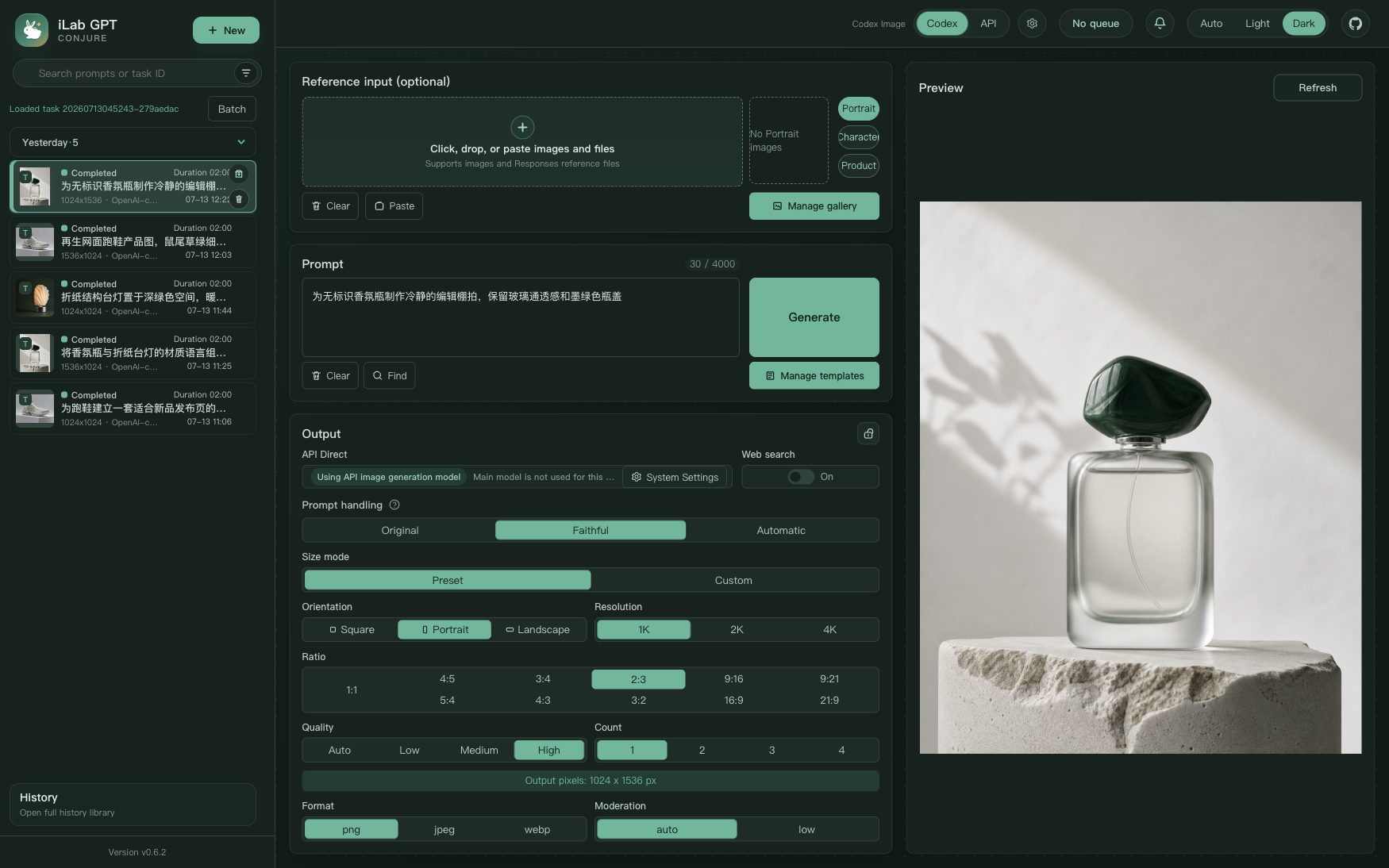
Turn references, color constraints, and prompt fragments into reusable creative atoms, then use templates for longer generation structures.
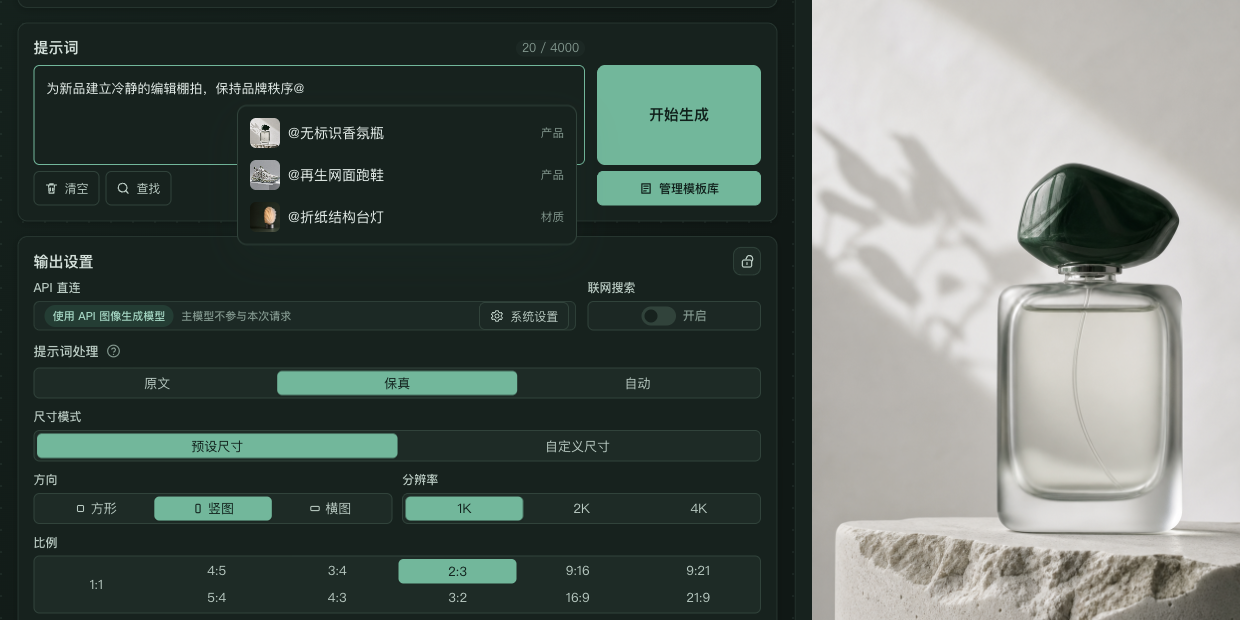
Assets do not end with one task. Public Gallery and the image editor carry them into the next round.
Save uploads, recent references, or generated results, then organize them by people, products, and styles.
Add names, usage notes, and reference notes. Replace, delete, or drag to reorder at any time.

Crop, combine layers, transform proportions, erase locally, paint, and add directional marks on device.
Select, stage, add as a reference, download, or archive generated results.
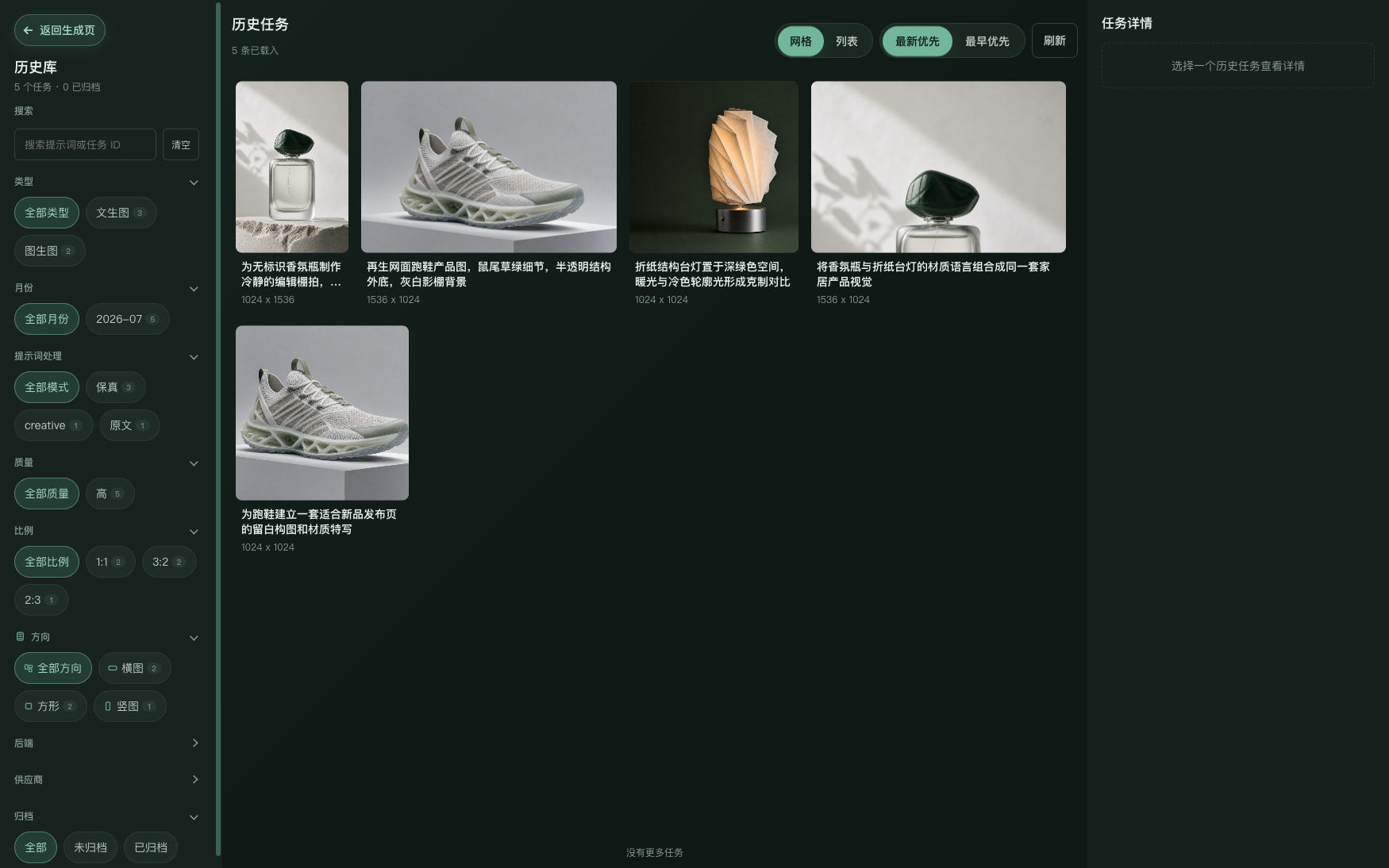
Favorite tasks, add multiple tags, and filter a growing library by favorites, tags, or untagged work.
Select up to 300 tasks to favorite, unfavorite, add tags, or remove tags in one batch.
Export one or many tasks as a ZIP with images only or a per-image prompt alongside each result.
The OpenAI-compatible API supports Images API or Responses API workflows for automation and shared environments.
Standard packages are recommended for new users. Every link goes directly to GitHub Releases; package filenames retain the former name during the transition.
Current version 0.7.2Read the full release notes
macOS builds are currently unsigned and not notarized. If launch is blocked, right-click the App and choose Open.
The product display name is now iLab CONJURE. Package and data directory names retain the former name during the transition; standard builds use system app data while portable builds use a sibling data folder, with no task or image loss on upgrade.
The project uses AGPL-3.0-only. Stable integrations, team workstations, and shared environments should prefer the OpenAI-compatible API; local Codex mode is for personal local workflows only.